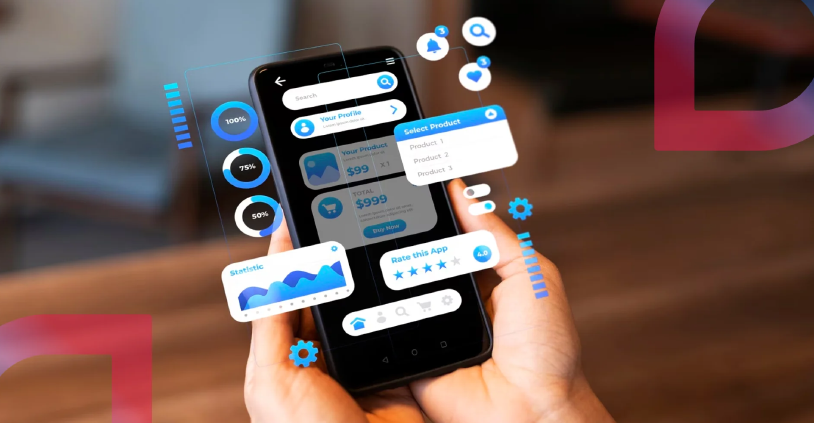
In today's digital-first world, customers expect businesses to offer fast, convenient, and personalized mobile experiences. Whether you own a retail store, healthcare clinic, restaurant, logistics company, educational institute, or startup, a well-designed mobile app can strengthen customer relationships and increase revenue.
However, simply launching an app isn't enough. The success of your business app depends on the features it offers. Customers quickly uninstall apps that are slow, difficult to use, or lack useful functionality.
If you're planning to build a mobile application, this guide covers the essential features every business mobile app should include to stay competitive in 2026.
A mobile application is more than just another digital platform. It allows businesses to communicate directly with customers, offer personalized services, collect valuable insights, and improve customer satisfaction.
A professionally developed business app helps you:
Now let's explore the features that make a business mobile app successful.
The first impression of your app matters.
Users should be able to navigate your application without confusion. A clean design with intuitive navigation keeps users engaged and encourages them to return.
A good user interface includes:
Remember, simplicity always wins.
Security is one of the most important concerns for mobile users.
Offer multiple login options such as:
Adding biometric authentication like fingerprint or Face ID makes login faster while improving security.
Push notifications help businesses reconnect with users even when the app isn't open.
Use notifications for:
Avoid sending too many notifications, as excessive alerts can lead users to disable them or uninstall the app.
Users expect apps to load within seconds.
A slow application leads to poor reviews and high uninstall rates.
Optimize your app by:
Speed directly impacts customer satisfaction.
Modern customers appreciate personalized experiences.
Your app should display:
Personalization increases user engagement and boosts conversions.
If your business accepts payments, your app must provide a secure and seamless checkout process.
Popular payment methods include:
Always implement encrypted payment gateways and industry-standard security practices to protect customer information.
Users don't want to spend time browsing endlessly.
An advanced search feature should include:
The easier users find what they need, the better their experience.
Customer support should be available whenever users need assistance.
Live chat can help customers:
Adding AI-powered chatbots can also provide instant responses for common queries.
Internet connectivity isn't always available.
Allow users to access essential content even without an active internet connection.
Examples include:
Offline access improves overall usability.
Location-based services improve convenience for users.
Useful applications include:
Location features also enable personalized offers based on user location.
Every business should understand how users interact with its application.
Analytics can help monitor:
These insights support better business decisions and future app improvements.
Allow customers to leave feedback directly within the app.
Positive reviews build trust, while constructive feedback helps improve the application.
Encourage satisfied users to rate your app after successful purchases or completed services.
Enable users to share products, blogs, offers, and achievements directly on social media platforms.
Benefits include:
Social sharing can significantly expand your app's reach.
If your business serves customers from different regions, language support becomes essential.
Providing content in multiple languages improves accessibility and enhances customer satisfaction.
It also helps businesses expand into new markets.
Customers trust businesses that protect their information.
Your app should include:
Strong security measures protect both your business and your customers.
Users should be able to:
Giving users control over their information improves trust and convenience.
A successful mobile app continuously evolves.
Regular updates help:
Businesses that maintain their apps retain customers longer.
Not every business requires every feature.
Focus on your business goals, customer expectations, and industry requirements.
For example:
Choosing the right features ensures your app remains useful without becoming overly complex.
Features such as secure login, push notifications, fast performance, secure payments, personalized experiences, analytics, and strong security form the foundation of a modern business application.
Building a successful business mobile app requires more than just attractive design—it demands the right strategy, cutting-edge technology, and a deep understanding of your business goals. That's where Gleaming Media Technologies LLP comes in.
Gleaming Media Technologies LLP is a trusted technology company specializing in mobile application development services in Noida. We help startups, small businesses, and established enterprises transform their ideas into powerful Android, iOS, and cross-platform mobile applications that deliver exceptional user experiences.
What are the essential features of a business mobile app?
Essential features include user-friendly navigation, secure login, push notifications, payment integration, analytics, chat support, offline access, and data security.
Why are push notifications important?
Push notifications help businesses engage users, promote offers, share updates, and encourage repeat visits.
How does app security impact business success?
Strong security builds customer trust, protects sensitive information, and reduces the risk of data breaches.
Should every business have a mobile app?
Businesses with frequent customer interactions, online services, or digital products often benefit significantly from a mobile app, provided it aligns with their business goals.
Which feature improves customer retention the most?
A combination of personalization, fast performance, reliable customer support, and regular updates has the greatest impact on retaining users.